
REMOTE OPERATIONS · MARITIME FIRST
Remote operations
beyond reliable
connectivity.
Remote control, persistent file transfer and fleet operations for machines working across changing and constrained networks.
Explore AnchorlineIn development · Launching soon
01 / OPERATOR WORKSPACE
One fleet. One operator workspace.
Find your Stands, check reported presence and select the machine that needs your attention. Remote control and file operations, in one place.
 AnchorlineAnchorline console · Demonstration dataOP Operator workspace
Machines
Your remote computers, in one place.
| Machine | Status | Last presence | Favourite |
|---|---|---|---|
Atlantic · Main PCOnboard workstation | Online | Just now | |
Atlantic · Technical PCTechnical workstation | Online | 1 min ago | |
North station · PC 01Remote facility | Offline | 2 hours ago | |
Field unit · PC 02Field computer | Online | Just now | |
Workshop · Support PCMaintenance workstation | Offline | Yesterday |
Anchorline operator console interface — demonstration data.
02 / DESIGNED FOR VARIABLE NETWORKS
The network changes. Anchorline changes with it.
Degradation is an operating condition, not an exception. Adapt the visual stream, use structured operations and preserve transfer progress.
Link restored
Visual sessions can be reopened after connectivity returns.
Broadband · Wi-Fi · 4G / 5G · Starlink / LEO · VSAT. Modes shown are illustrative, not guaranteed bandwidth thresholds.
03 / REMOTE CONTROL
Stay close. Even far offshore.
Anchorline minimises software-added delay while adapting visual delivery to the available connection. Network latency still applies.
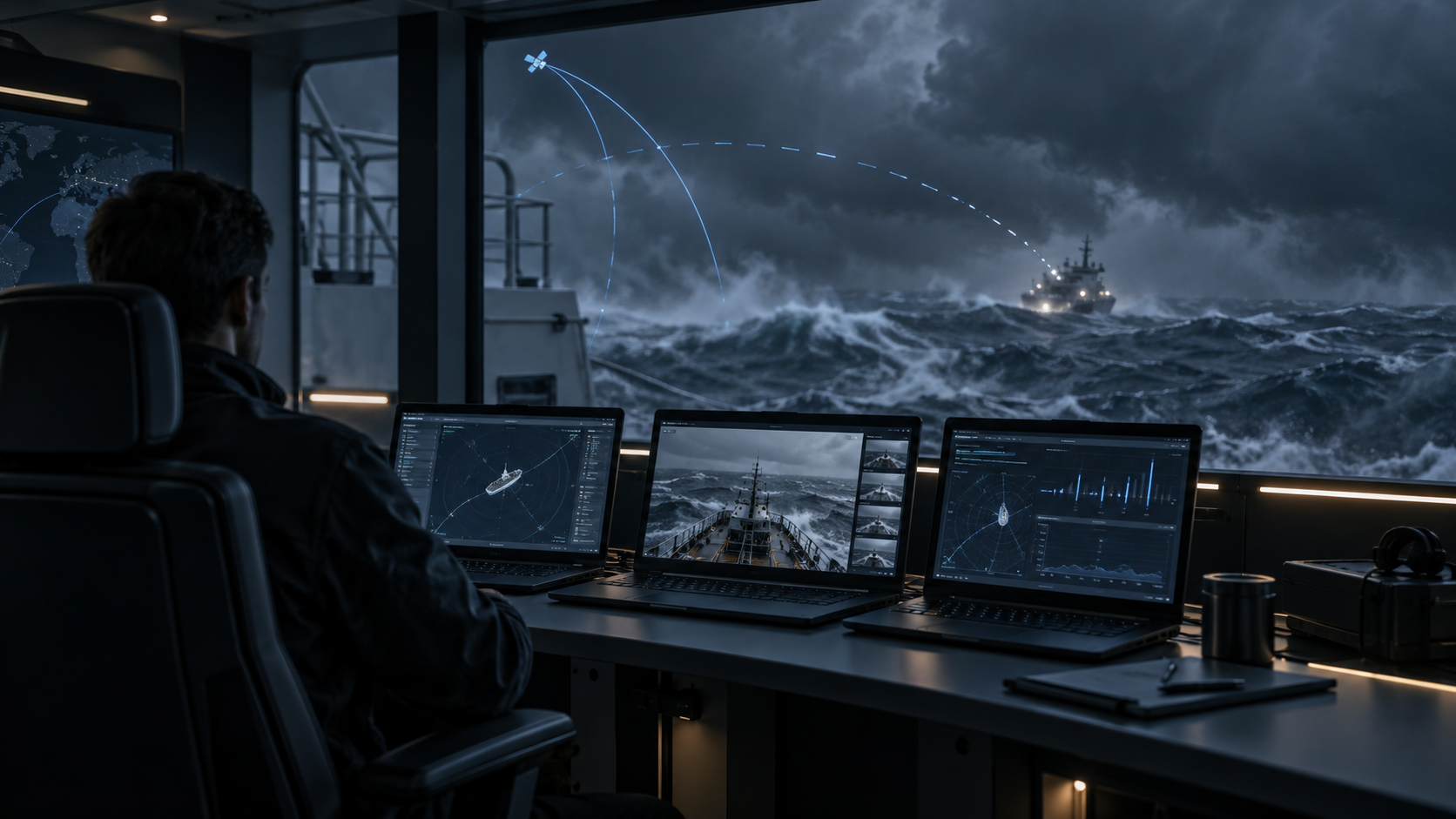
Mouse, keyboard and text clipboard. Changed-region updates on compatible clients. An independent snapshot fallback for difficult links.
04 / OPERATIONS EXPLORER / CONTROL ONLY
Operate the machine. Not just its screen.
Send a structured command. Receive the useful data. Render it locally. No continuous desktop stream required.
ops.process.listActions depend on permissions and machine capabilities. A usable connection is required for every new remote action.
Explore files, preview and edit supported text files, inspect processes, services, network, storage, logs and system information.
05 / PERSISTENT FILE TRANSFER
A lost connection. Not a lost transfer.
Persistent state allows Anchorline to resume verified data instead of starting the entire file again. Closing the visual session does not cancel an active transfer.
SHA-256 verified · transfer complete
Verify each chunk → store durably → acknowledge. Reconcile after reconnection → send missing blocks → verify the whole file with SHA-256.
Inside the transfer · chunks, compression and reconciliation
Prepare
A manifest identifies each chunk and its original SHA-256. Selective compression is applied only when useful.
Commit
The receiver verifies and stores the chunk durably before acknowledging it. Out-of-order and duplicate chunks are handled.
Reconcile
After reconnection, both ends compare the same manifest and the exact committed ranges. Only missing chunks are sent.
Verify
Every chunk, the expected size and the whole-file SHA-256 must match before the final file is exposed.
06 / MOBILE / TABLET / DESKTOP
One fleet. Different operator surfaces.
Desktop for administration and operations. Mobile and tablet for focused Control Only operations, file management and transfers. Live View when visual intervention is needed.
07 / FLEET OPERATIONS
One operator. Many remote systems.
Multiple Stands, favourites and reported connection states. The right machine, the right operator permissions, including on unattended systems.
Cargo-PC
NORDIC · Online
08 / SAAS / SOVEREIGN
Your infrastructure. Your identity. Your traffic.
Two deployment options are planned: classic SaaS and Anchorline Sovereign within customer-controlled infrastructure. The same operational purpose, a different hosting boundary.
Anchorline Sovereign
Sovereign is designed for customer-hosted control, authentication, signaling and relays, without requiring operational traffic to traverse Anchorline-hosted infrastructure. Deployment and identity integration remain environment-dependent.
09 / CONNECTIVITY ENGINE
One changing link. Coordinated responses.
Connectivity awareness, adaptive visuals and regulated transfers work together. Interactive control takes priority over bulk data.
WebRTC · STUN / TURN · Changed-region updates on compatible clients · Selective compression · SHA-256
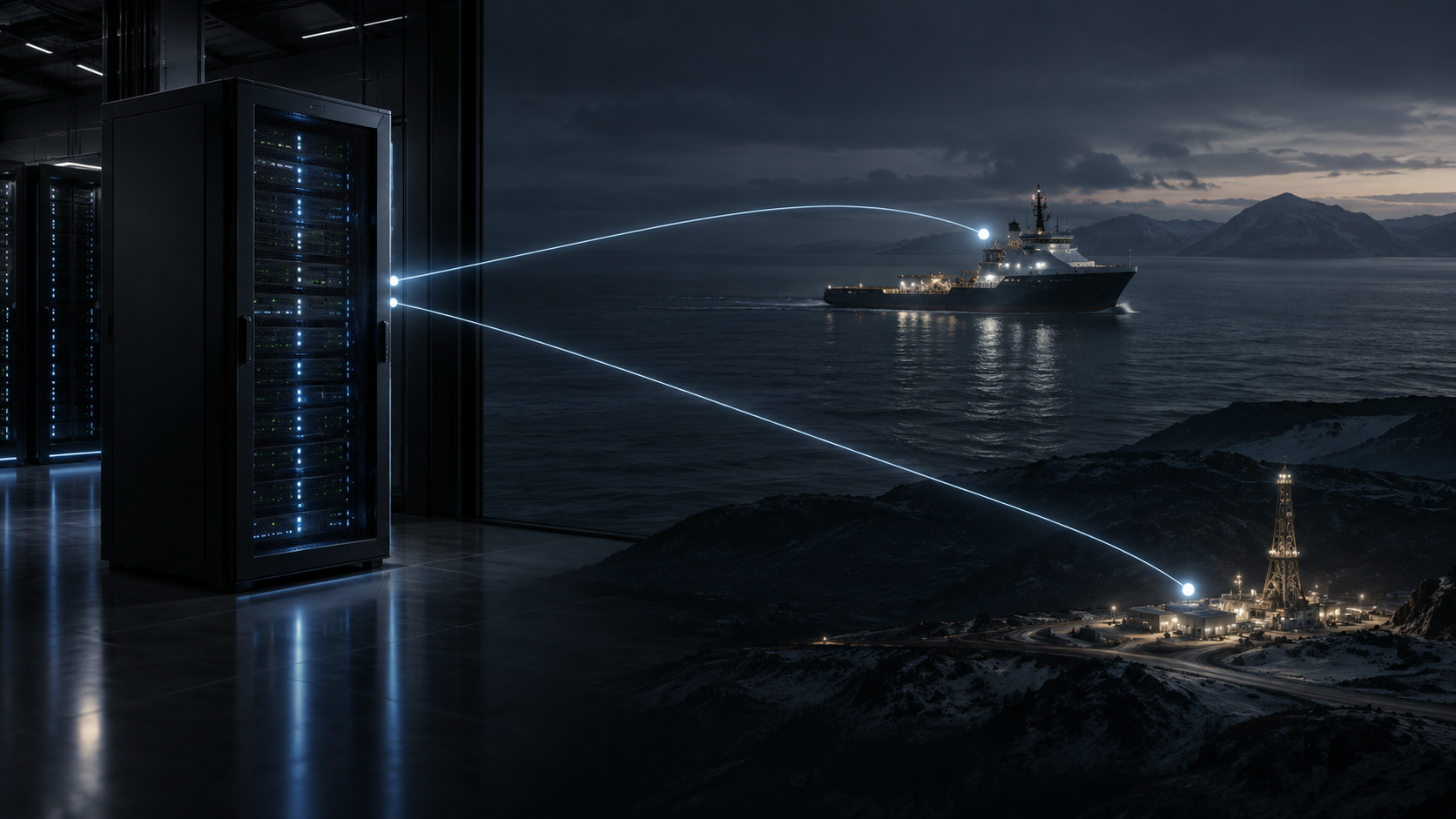

Built for the places where connectivity cannot be assumed.
Anchorline is currently in development and preparing for launch.
Coming soonBack to top